Cria templates de email no Gmail
- Cria e gere templates de email diretamente no Gmail
- Partilha templates de email com a tua equipa em segundos
- Acede a templates de email ilimitados prontos a personalizar

Com a confiança de +3M utilizadores




Usado por profissionais em







Cria e edita templates sem esforço
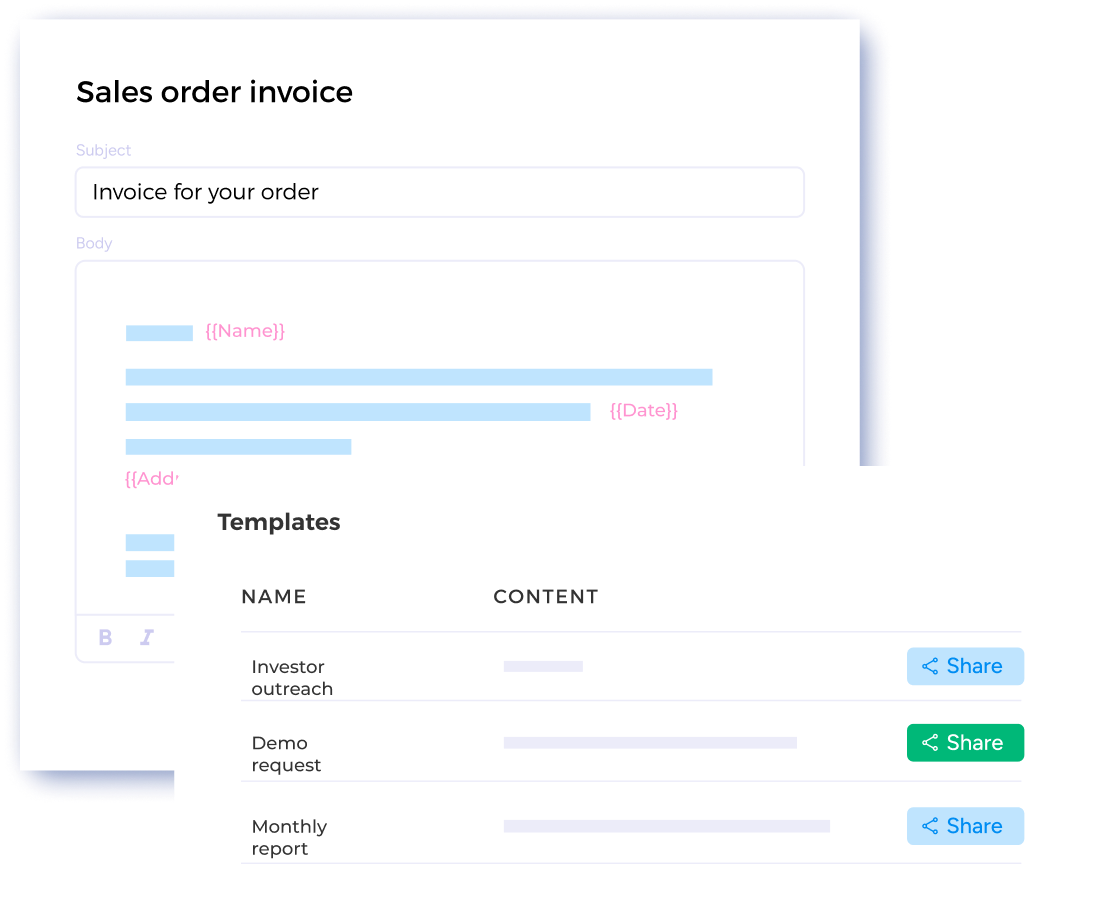
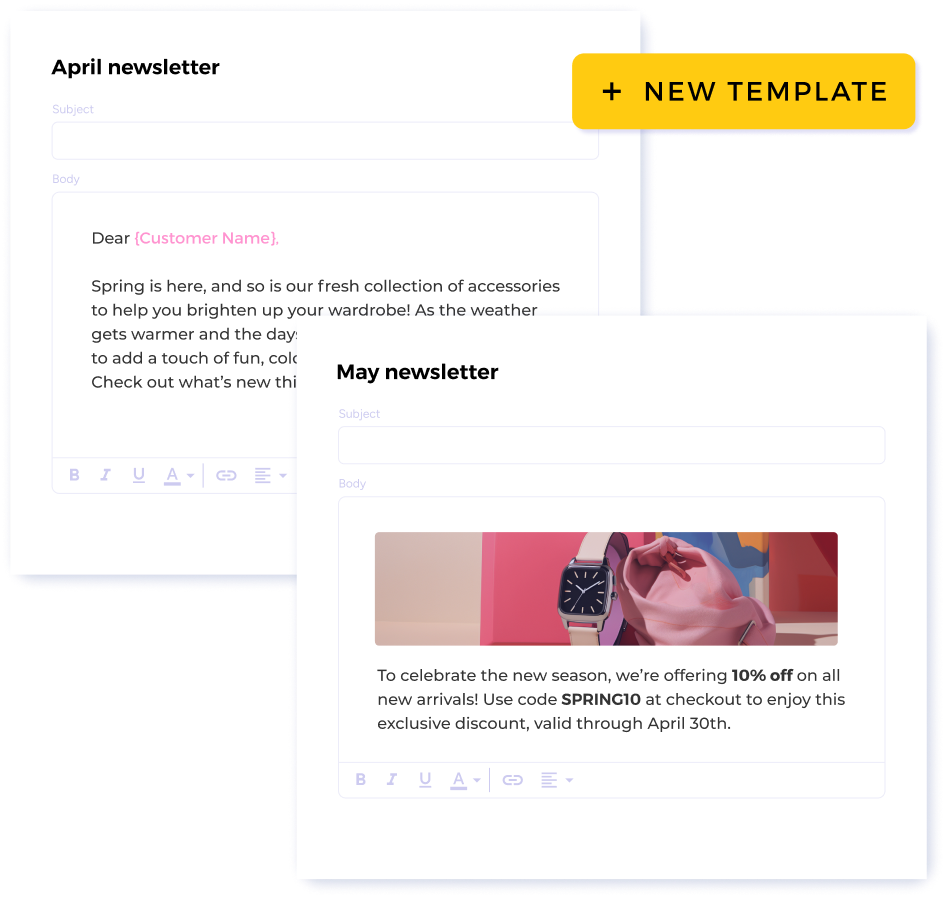
Cria templates diretamente no teu painel do Mailsuite e edita-os sempre que precisares. Poupa tempo: cria um template e envia-o a quantas pessoas quiseres, tudo em poucos cliques.
Partilha templates com a tua equipa facilmente
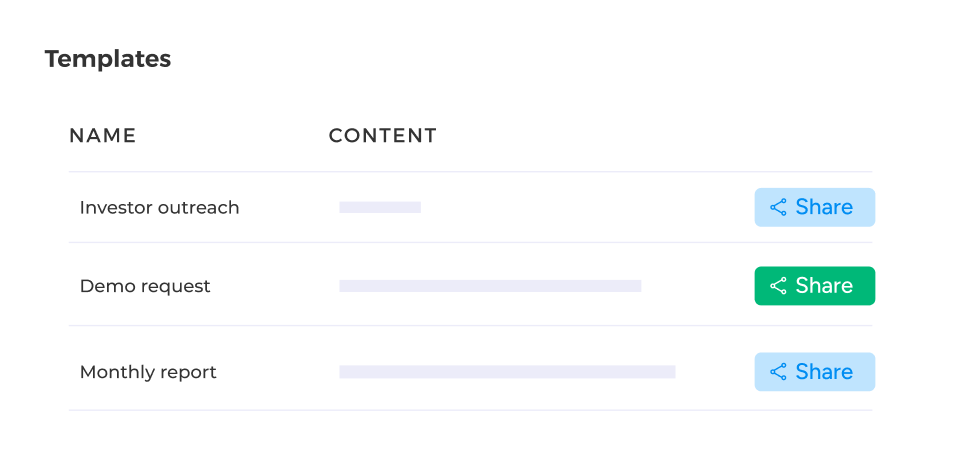
Colabora com a tua equipa e cria templates de email eficazes, partilhando os links dos templates diretamente a partir do teu painel.
Como usar um template de email passo a passo
-
Passo 1
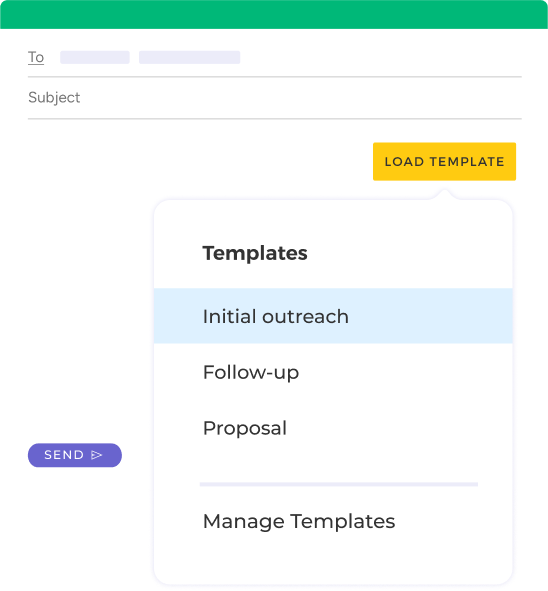
Abre a tua lista de templates
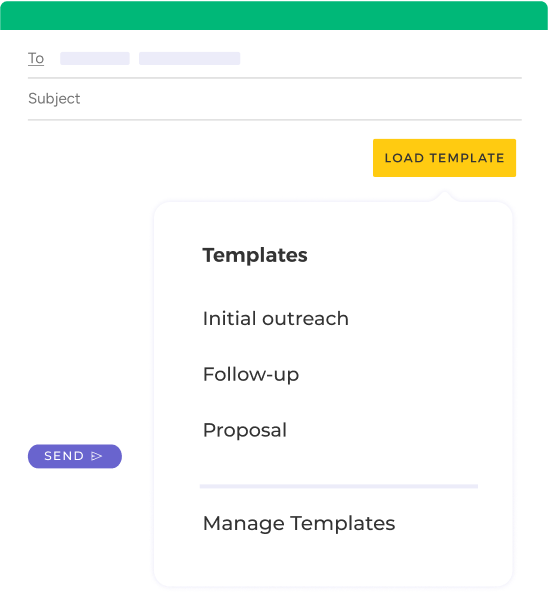
Clica em «Carregar template» ao abrir um novo email para ver a lista completa de templates de email que guardaste.
-
Passo 2
Escolhe o template perfeito
Na tua lista de templates, escolhe o template de email que queres aplicar ao teu novo email.
-
Passo 3
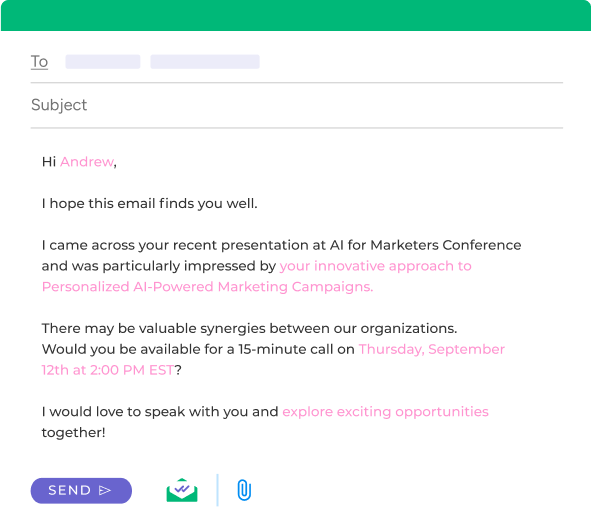
Personaliza o email e envia-o
Faz os últimos ajustes que precisares no template. Quando estiver pronto, basta clicar em Enviar!
E muitas outras funcionalidades
Templates de email ilimitados
Cria todos os templates de email que precisares para qualquer situação.
Carrega templates na tua caixa de entrada facilmente
Cria um template no teu painel e carrega-o facilmente na tua caixa de entrada quando estiveres pronto para o enviar. A partir da caixa de entrada, podes personalizar o email como quiseres.
Guarde todos os modelos em um único painel
O Mailsuite guarda seus modelos em um painel centralizado e os deixa disponíveis com um clique, direto no Gmail.
Compartilhe modelos com sua equipe
Pare de enviar documentos de um lado para outro com seus colegas. Compartilhe o acesso aos seus modelos diretamente do seu painel do Mailsuite.
FAQ
Suas dúvidas sobre modelos do Gmail, respondidas
-
Como posso criar modelos de email no Gmail?
Há duas formas de criar modelos de email no Gmail: pela caixa de entrada do Gmail ou diretamente no seu painel do Mailsuite. Pela caixa de entrada do Gmail, basta clicar em Escrever e depois em Carregar modelos. Em seguida, clique em Gerenciar modelos. Isso te leva ao seu painel, onde você pode criar novos modelos facilmente, que ficarão disponíveis automaticamente na sua caixa de entrada do Gmail. -
Por que os modelos do Mailsuite são melhores que os do Gmail?
Os modelos do Mailsuite são melhores que os do Gmail em vários aspectos importantes. Para começar, os modelos do Mailsuite são 100% personalizáveis e você pode incluir tanta (ou tão pouca) personalização quanto quiser, algo que não dá para fazer com os modelos do Gmail. Além disso, o Mailsuite guarda todos os seus modelos em um painel central e permite compartilhá-los com sua equipe. Por fim, os modelos do Mailsuite estão sempre à mão sempre que você escreve um novo email — você pode importar qualquer modelo com um clique! -
Como edito modelos de email no Gmail?
Editar seus modelos de email no Gmail é simples. Depois de importar o modelo do Mailsuite, você pode editar o texto como faria em qualquer outro email. Você pode mudar o texto, adicionar personalização ilimitada e fazer quaisquer outros ajustes antes de enviar. -
Como compartilho modelos de email no Gmail?
Compartilhar modelos do Gmail é fácil com o Mailsuite. Basta abrir seu painel de modelos e clicar no botão Compartilhar. Assim, você recebe um link direto para o modelo, que pode enviar para quem quiser. -
Quais são as vantagens de usar modelos de email no Gmail?
Usar modelos no Gmail traz muitas vantagens. Eles economizam seu tempo, já que você não precisa reescrever o mesmo email várias vezes, reduzem erros de digitação e gramática, e permitem personalizar seus emails automaticamente para criar relações mais fortes.
Centro de Privacidade e Segurança
Os serviços da Mailsuite e Mailtrack são utilizados por mais de 116.000 subscritores pagos e empresas em todo o mundo.
Ler mais