Outlook용 이메일 추적기
Outlook 받은편지함에서 바로 누가 이메일을 열었는지 확인하세요.




다양한 분야의 전문가들이 사용 중







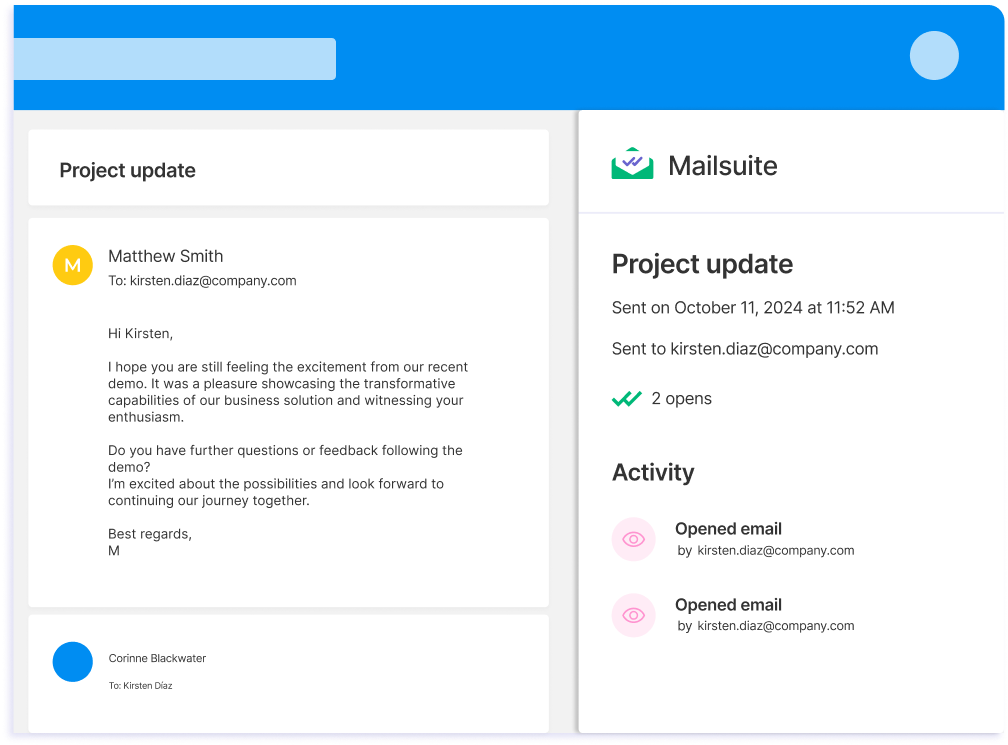
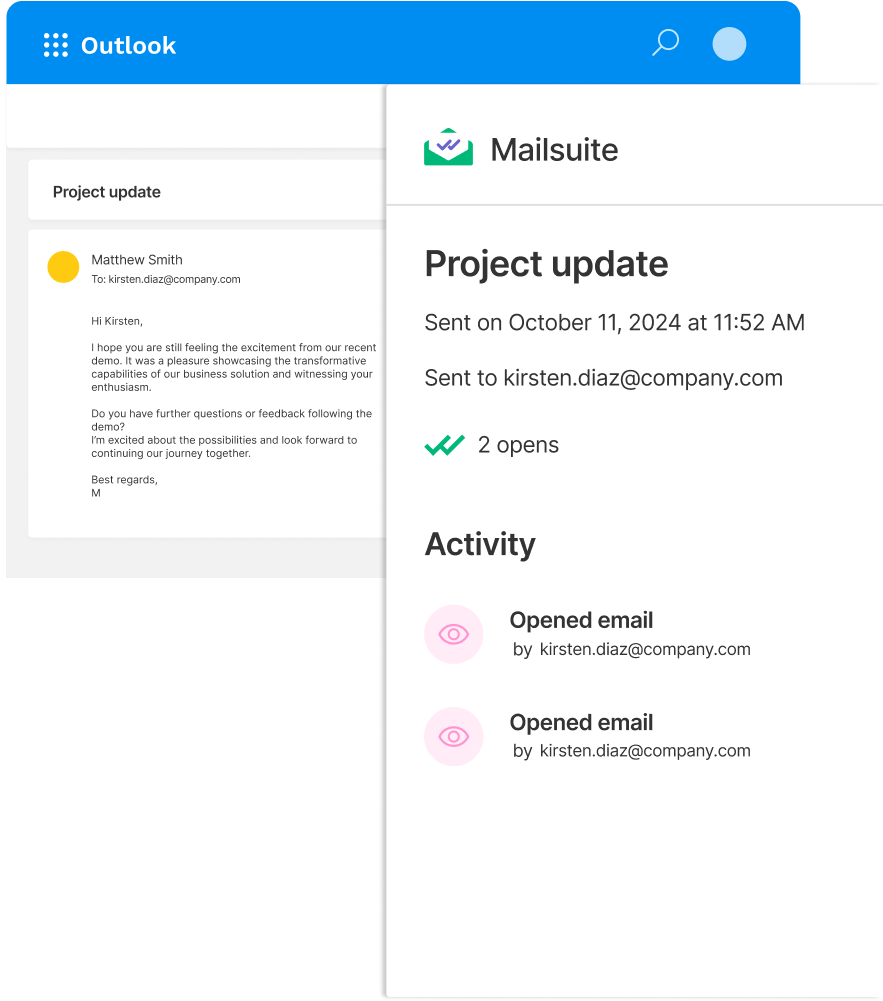
Outlook을 벗어나지 않고 추적 데이터를 확인하세요
Outlook용 Mailsuite 추가 기능에서 추적 기록을 확인하면 누가 이메일을 읽었는지 바로 알 수 있어요. 이메일 추적 데이터가 Outlook에 바로 표시돼요. Mailsuite만의 특별한 기능이에요.
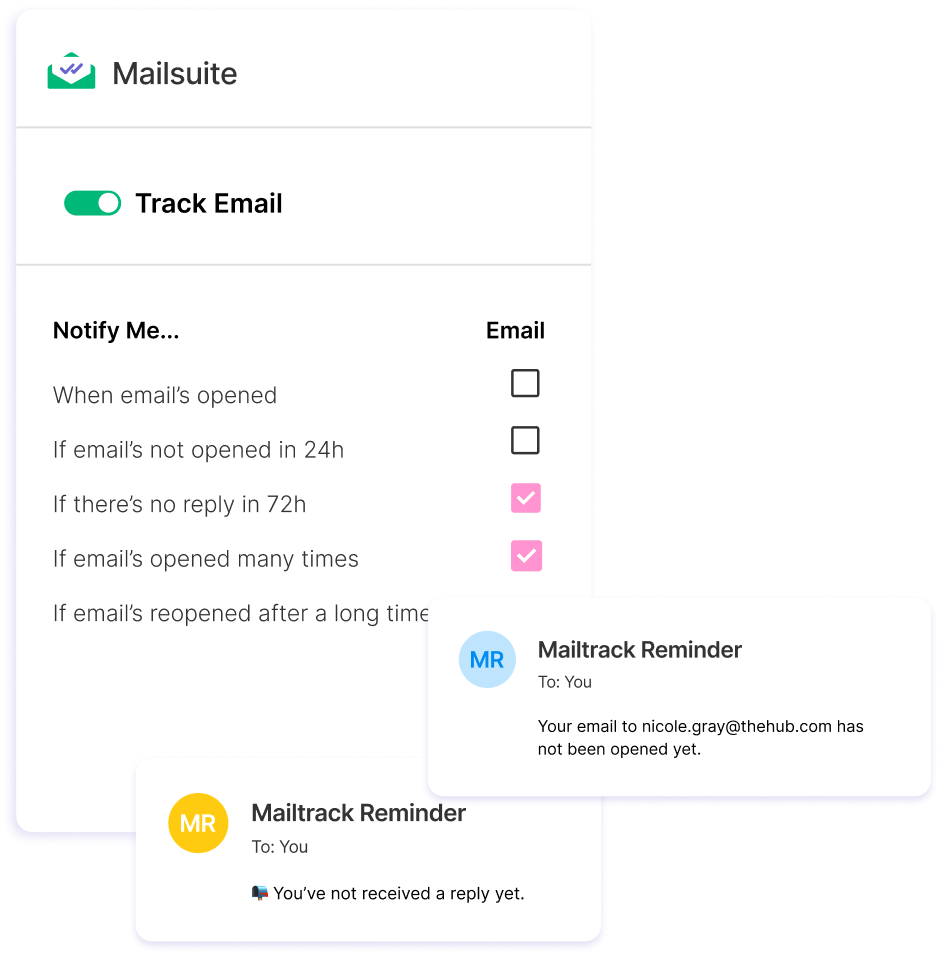
자동 후속 알림으로 이메일을 놓치지 않고 관리하세요
보내는 추적 이메일마다 맞춤 후속 알림을 설정하고 받아보세요. 이메일이 열리지 않았거나 읽히지 않았는지 확인하고, 받은편지함으로 알림을 받아 대화를 다시 시작하세요.
Outlook에서 추적 이메일 보내는 방법
-
단계 1
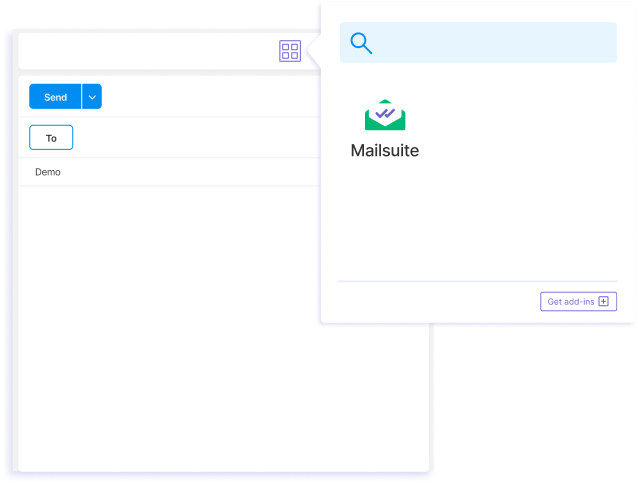
새 이메일을 작성하고 Mailsuite 추가 기능을 선택하세요.
-
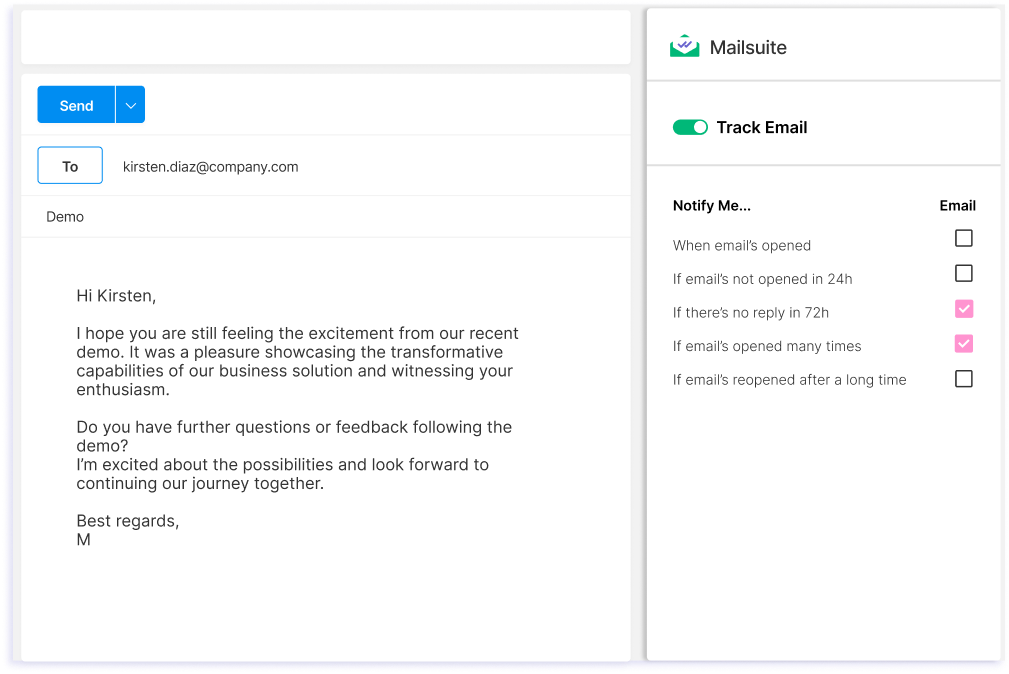
단계 2
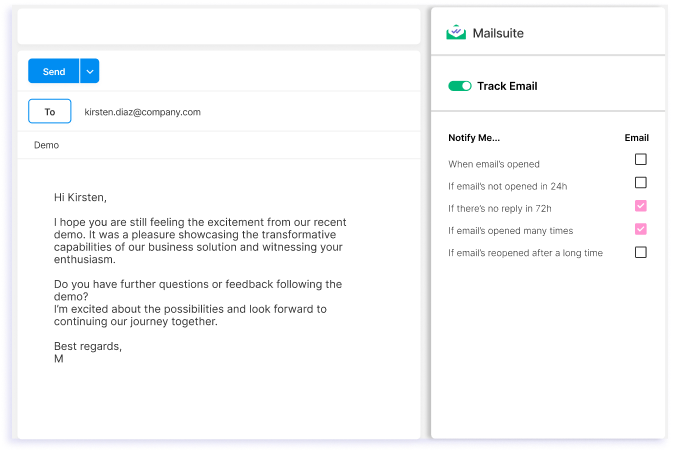
"이메일 추적" 옵션을 켜고 후속 설정을 맞춤화하세요.
-
단계 3
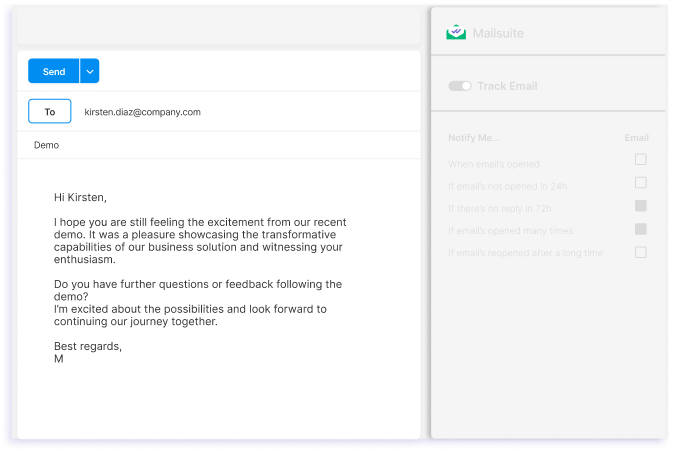
이메일을 보내세요.
그 외 다양한 기능
Outlook용 Mailsuite를 사용하면 몇 번의 클릭만으로 Outlook에서 보내는 모든 이메일을 추적할 수 있어요. 하지만 이게 전부가 아니에요. 함께 제공되는 다른 기능들을 소개할게요.
상세한 열람 기록
Outlook 안에서 바로 각 이메일이 언제, 몇 번 열렸는지 확인하세요.
실시간 알림
누군가 이메일을 여는 즉시 이메일 알림을 받으세요.
안전한 데이터 보호
Mailsuite는 AES-256 암호화로 데이터를 보호하며, 이메일 내용에 절대 접근하지 않아요.
모두 Outlook 안에서
이메일 추적 데이터는 Outlook에서 바로 확인할 수 있어요. 다른 플랫폼을 따로 확인할 필요가 없습니다.
GDPR을 항상 준수하세요
Mailsuite는 GDPR을 완벽히 준수하고 개인정보를 보호하므로 안심하고 사용할 수 있어요.
수많은 이들의 신뢰
200만 명 이상이 Mailsuite로 이메일을 추적하고 있어요.
FAQ
Outlook 이메일 추적, 궁금증을 풀어드립니다
-
Outlook용 Mailsuite는 어떻게 작동하나요?
Outlook용 Mailsuite는 Mailsuite의 강력한 이메일 추적 기능을 Outlook 받은편지함으로 가져오며, Microsoft Store에서 무료로 설치할 수 있어요. Outlook의 강력한 기능과 직접 연동되어 Outlook 안에서 바로 이메일 추적 기능을 더해줍니다. 참고: Outlook용 Mailsuite를 사용하려면 Mailsuite Chrome 확장 프로그램이 설치되어 있어야 해요. -
Outlook에서 이메일 추적 기록을 어떻게 확인하나요?
Outlook에서 이메일 추적 기록을 보려면 Microsoft Store에서 Mailsuite for Outlook을 설치하세요. 설치가 끝나면 Outlook의 보낸 편지함으로 이동해 확인하고 싶은 이메일을 선택하고 Mailsuite for Outlook 추가 기능을 클릭하면 이메일 열람 여부를 확인할 수 있습니다. 그러면 해당 이메일의 전체 추적 기록이 표시됩니다. -
Outlook에 Mailsuite를 어떻게 설치하나요?
Outlook에 Mailsuite를 설치하려면 Microsoft Store에서 Mailsuite 추가 기능 페이지를 여세요. 설치한 다음 안내에 따라 이메일 주소를 연결하세요. 설치가 끝나면 Mailsuite 추가 기능을 열고 이메일 추적을 활성화해 Outlook에서 보내는 모든 이메일을 추적할 수 있습니다. -
Mailsuite 추가 기능은 모든 버전의 Outlook에서 작동하나요?
네, Mailsuite for Outlook은 Outlook 웹메일 서비스와 Windows·Mac용 Outlook 데스크톱 앱에서 모두 작동합니다. -
이메일 트래킹은 안전한가요?
네, Mailsuite의 Outlook 추가 기능을 이용한 이메일 추적은 완전히 안전합니다. Mailsuite는 이메일 내용에 절대 접근하지 않으며, 데이터를 제3자와 공유하거나 판매하지 않습니다. 또한 Mailsuite 추가 기능은 GDPR을 준수합니다. -
Outlook용 Mailsuite는 무료인가요?
네, Outlook용 Mailsuite 이메일 추적 추가 기능은 무료이며 무제한 이메일 추적을 이용할 수 있습니다.
개인정보 및 보안 센터
Mailsuite와 Mailtrack 서비스는 전 세계 116,000명 이상의 유료 구독자와 기업으로부터 신뢰받고 있습니다.
더 보기